Help:Contents

From LoungeGuide.net

Please help us with your input to make this site a great source for travellers from around the world, that are looking for up-to-date information and pictures of airport-lounges worldwide.

Table of contents

Create an User Account

First of all you have to create a user account in order to be able to add new lounges and edit existing ones. You also can add pages to a watchlist.

Choose a user name and a password. Please make sure that you user name does not contain any commercial information like internet-domains etc.

Optionally, enter an email address where you can be reached in the "Your e-mail" field. This is entirely optional, but can be helpful if other users want to send you email through LoungeGuide.net. On extremely rare occasions, LoungeGuide.net administrators may need to contact you, and having your email helps.

Also optionally, you can enter your "real name". This will be the name used to for crediting you for your work on LoungeGuide.net. If you don't want to have your real name shown, just leave this blank, and your user name will be used for credits instead.

Add a lounge

If you have information and/or pictures of an airport lounge that is not featured yet on Loungeguide.net you can start a new page. You dont need all info about a lounge or any pictures in order to add a new lounge. Just start with all the info or observations you have. Other users will fill in the blanks later.

Please go the "add a new lounge" button on the main page and follow the instructions. First you have to create the title (City, Three-Letter-Code of Airport, Operator of Lounge and Name of the Lounge). On the next page you have to click on the template to create all headers for a new lounge page. After this you can fill in all the relevant lounge-infos that you can provide. Please do not forget to categorize the lounge by continent, country and operator so the lounge is archived and can easily be found by other users.

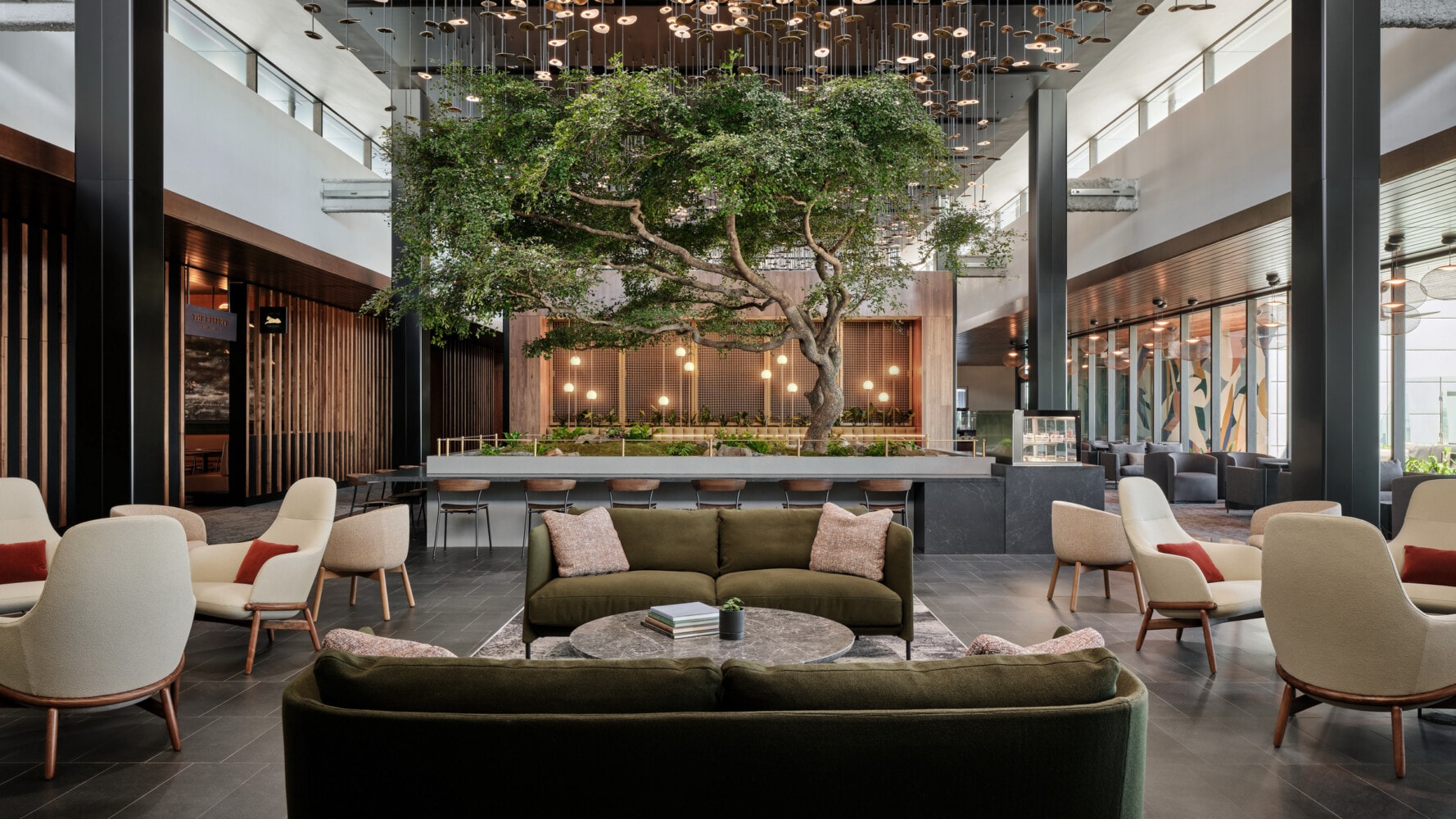
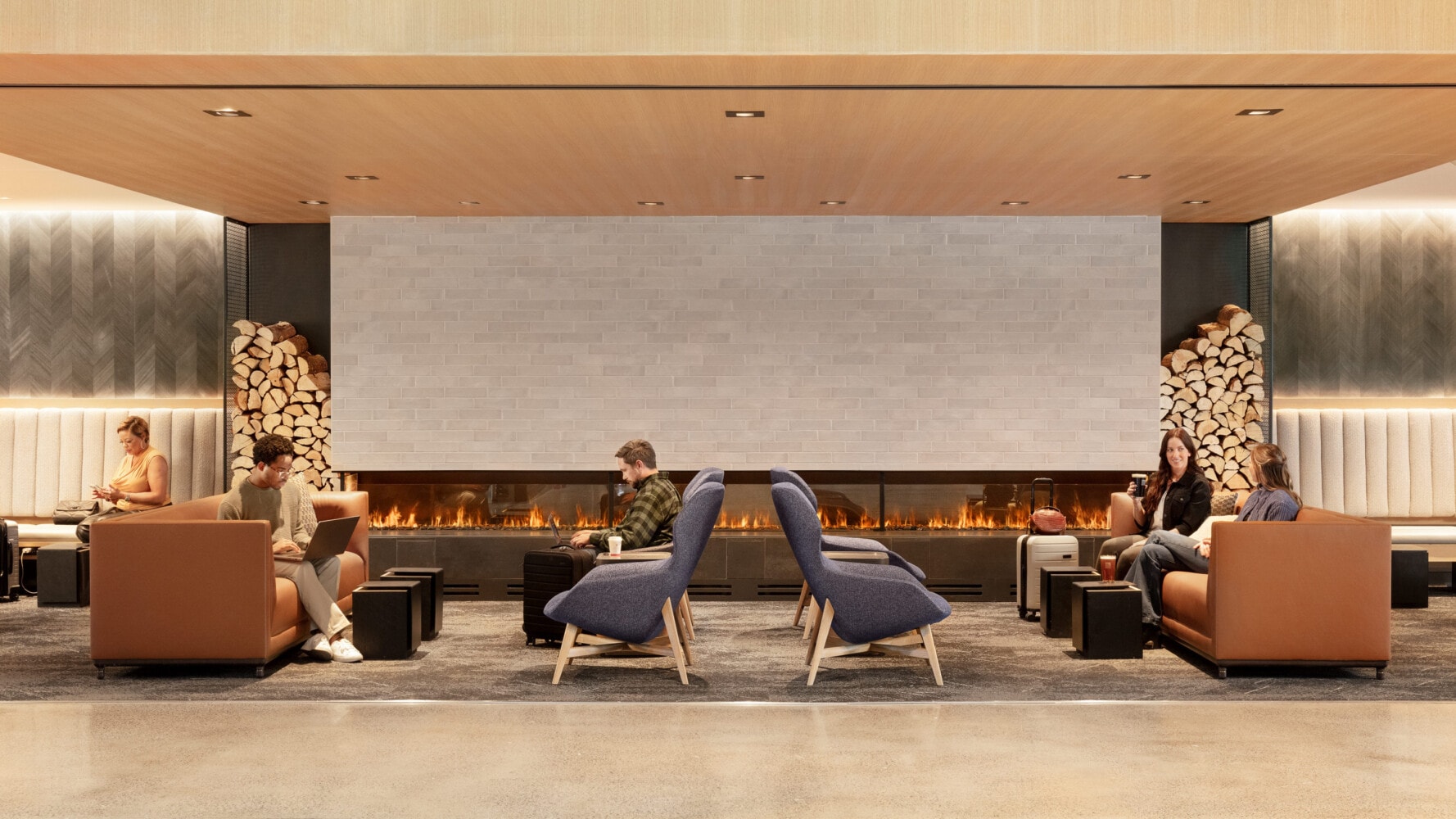
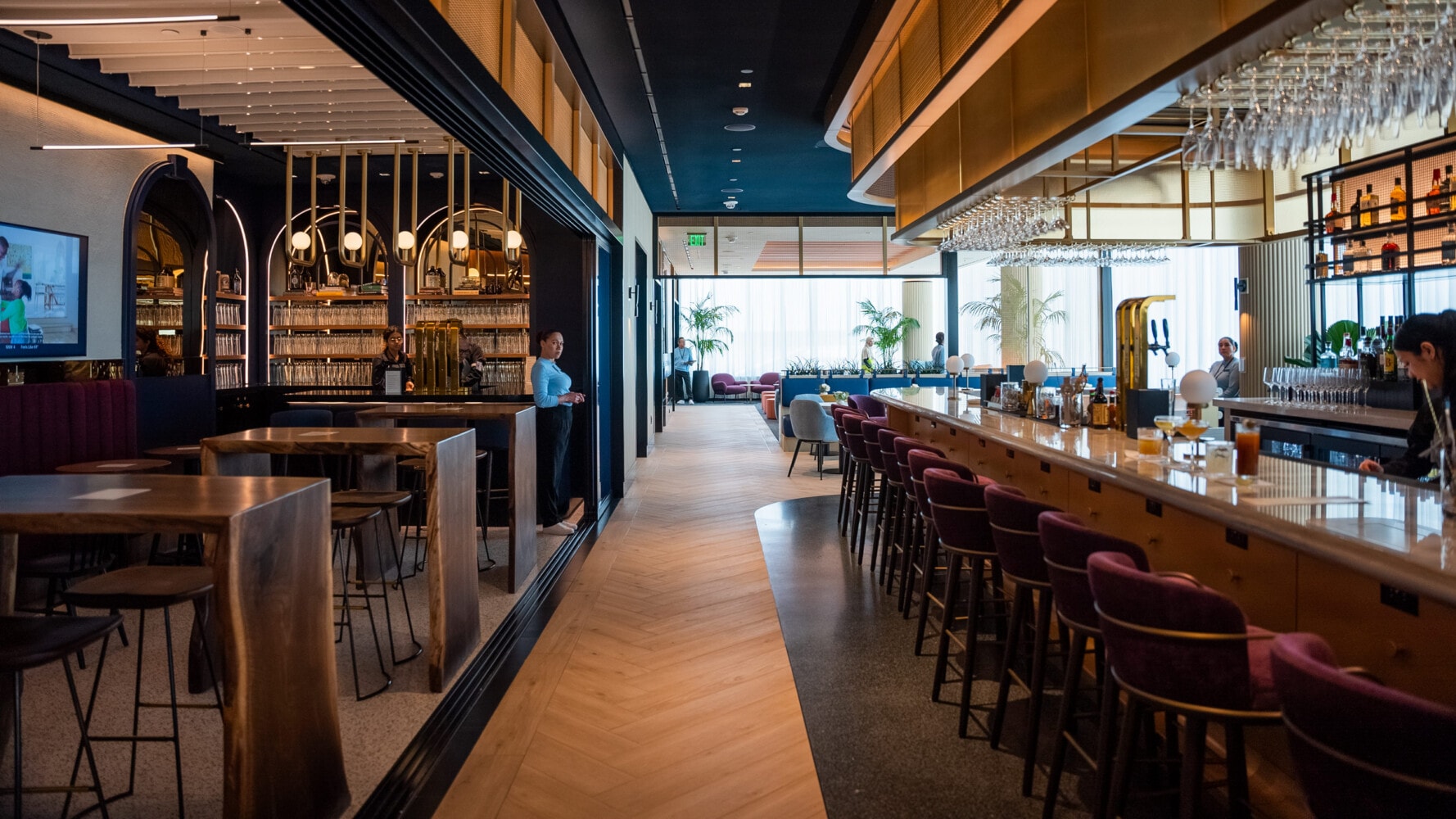
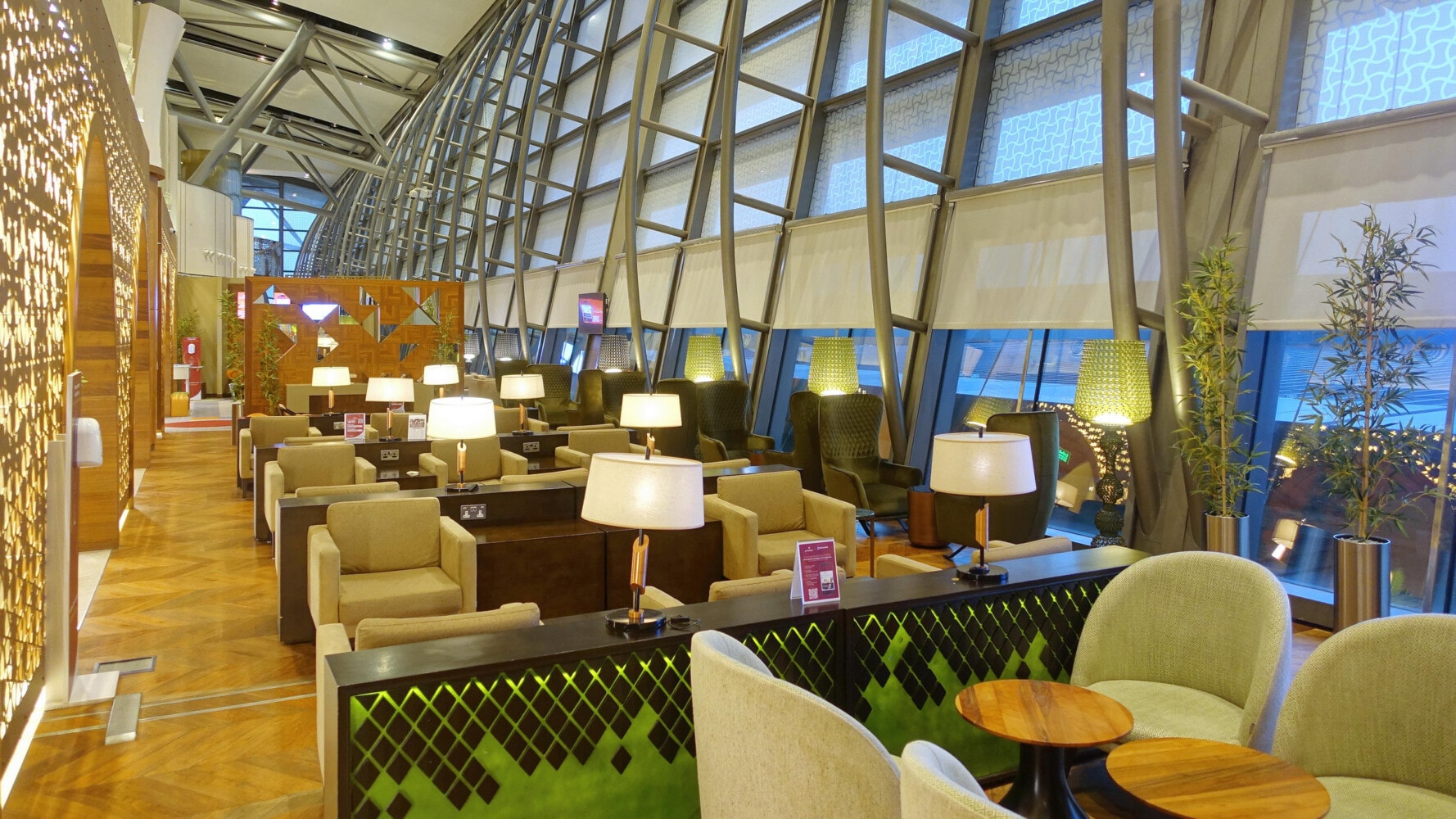
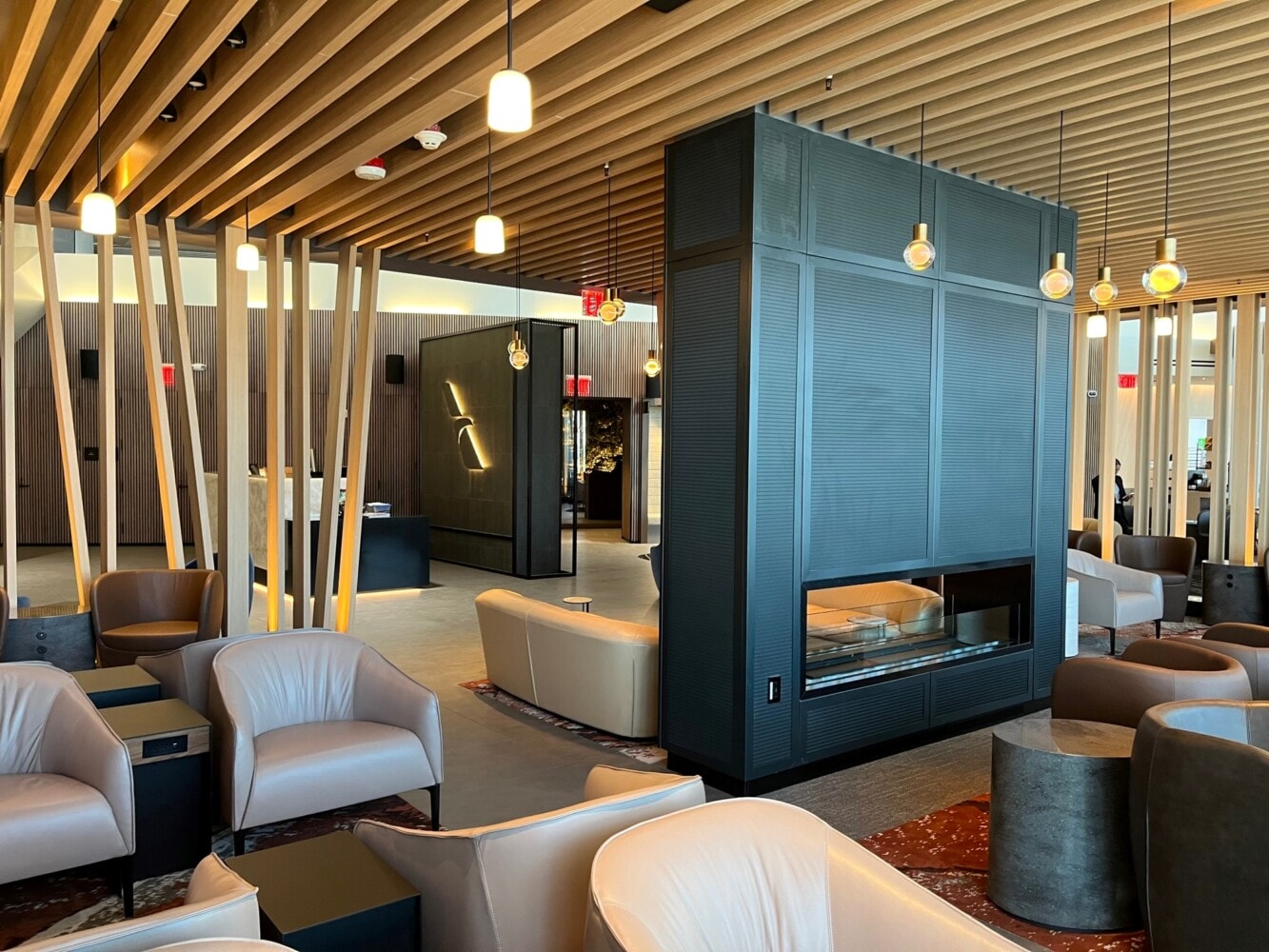
Lounge Images are very important so please share your pictures with us. Just bring your pictures into the "LoungeGuide-Shape" in terms of size (640 x 480) and name (airport-three-letter-code_loungeoperator_loungename_imagecontents.jpg ) and upload them on the "Upload file" page that you find in the toolbox on the left side. After this please put in the link to the picture in the lounge description according to the instructions you find in the template. Click the "save page" button and the lounge is online. Do not use watermarks in your photos with any kind of hints of a commercial information like internet-domains etc.

Edit a lounge

Go to the lounge and click the "edit this page" button on top. Now you can add, change and delete information and pictures.

What kind of information is published on LoungeGuide.net?

Basically we are looking to gain as much information about a lounge as possible. You can browse through some of the lounges, that are already featured on this page, to get a feeling for the contents. Also it might be a good idea to make some prints of our lounge-review-sheet (http://www.loungeguide.net/loungewiki/custom/reviewsheet.pdf) and take them with you whenever you travel. So you can make notes when you actually sit in the lounge.

Something is better than nothing

Don't feel like you have to cover a lounge from A-Z in one go. It's OK to just get started with some infos and/or pictures , and add choice information as you go. Please remember that any bit of input is very much aprecciated by us and our users, please help us to make this project grow and become a valuable source for all travellers.

More Infos

In order to keep it simple, we only covered the basic things on this page. If you want to dig a little deeper into the possibilities of the wiki-software, please go to Mediawiki Help (http://meta.wikimedia.org/wiki/Help:Contents)